
RND synth, from the inside
RND pixels started as our internal debugging tool: a window on everything RND synth does. we had so much fun with it that we decided to share it.
visualize
12 generative visuals move with the midi notes and the sound of RND synth.
control
tempo, levels, reverb, mute and solo, scale, tonic, patch type, tracks and engines.
save
every sound has a seed and a name: copy it, share it, load it to play it back.
get started
-
01
update
install firmware 1.4 on your RND synth:
it unlocks patch types, tracks and engines in RND pixels. -
02
plug
connect RND synth to your computer, tablet or phone with a USB-C cable.
-
03
open
go to pixels.cymaforma.com
on computer or android: use chrome.
on iphone or ipad: use MIDIWeb browser
12 ways to see your sound
pick a visual mode, or let each new patch choose.
click the screen to randomize the one you’re watching.
some follow the midi notes, some the audio, some both.
-

conway's game of life, twelve rule sets: notes burst cells into life.
-
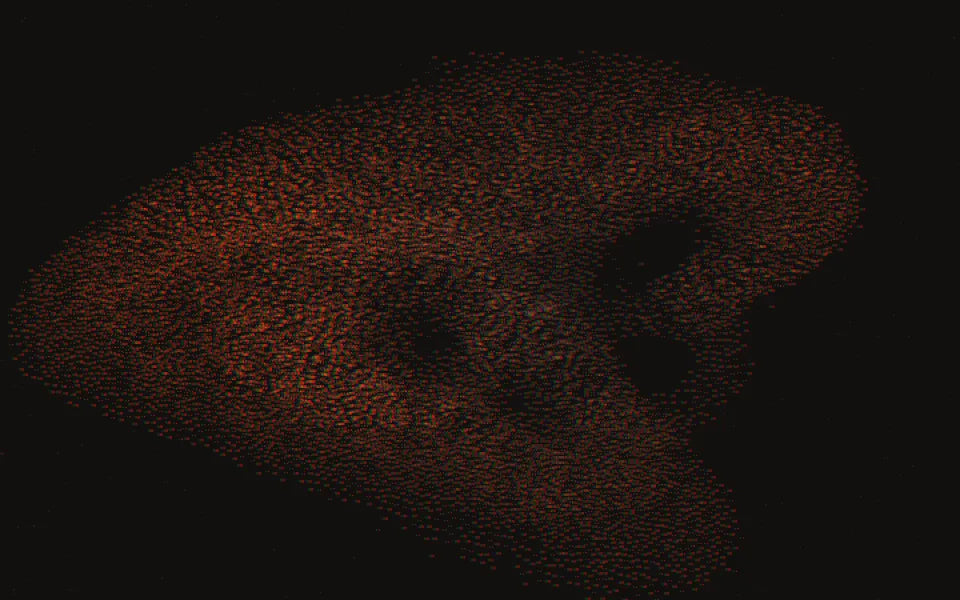
a flock of particles: notes trigger eruptions, the bass pumps gravity.
-
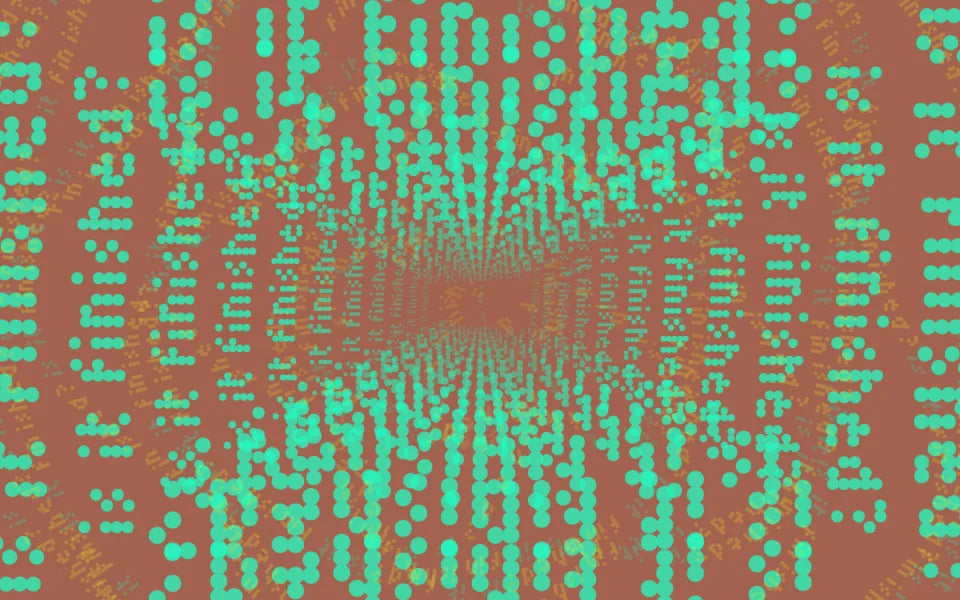
the oblique strategies of Brian Eno & Peter Schmidt, one card at a time, in kinetic type.
-

a digital descendant of the Vasulka scan processor: your camera becomes a terrain of scan lines.
-

some pixels love to travel: a grid rippled by four kinds of waves.
-

the terminal remembering what hands look like. not always polite.
-
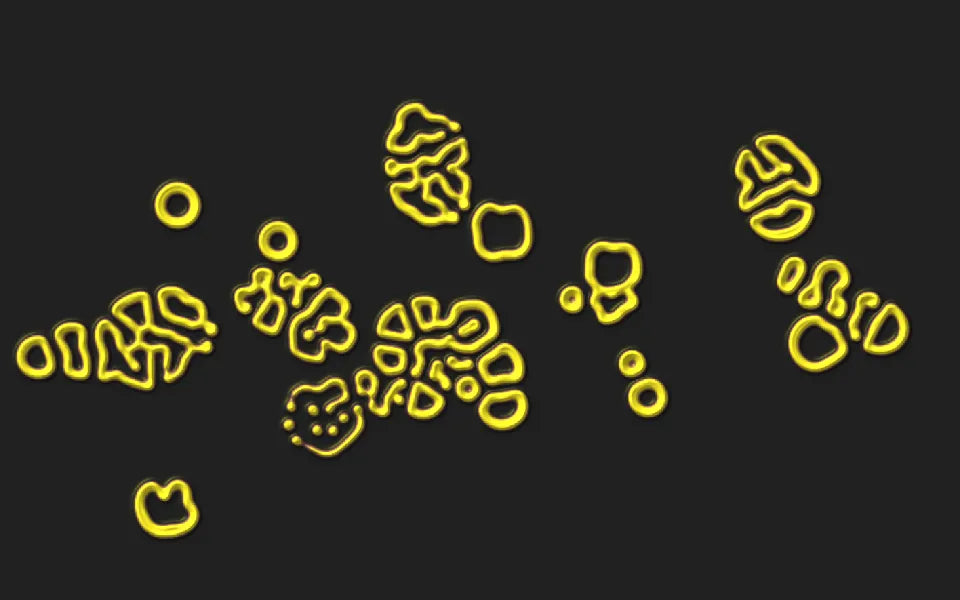
gray–scott chemistry: notes inject catalyst into a living culture.
-
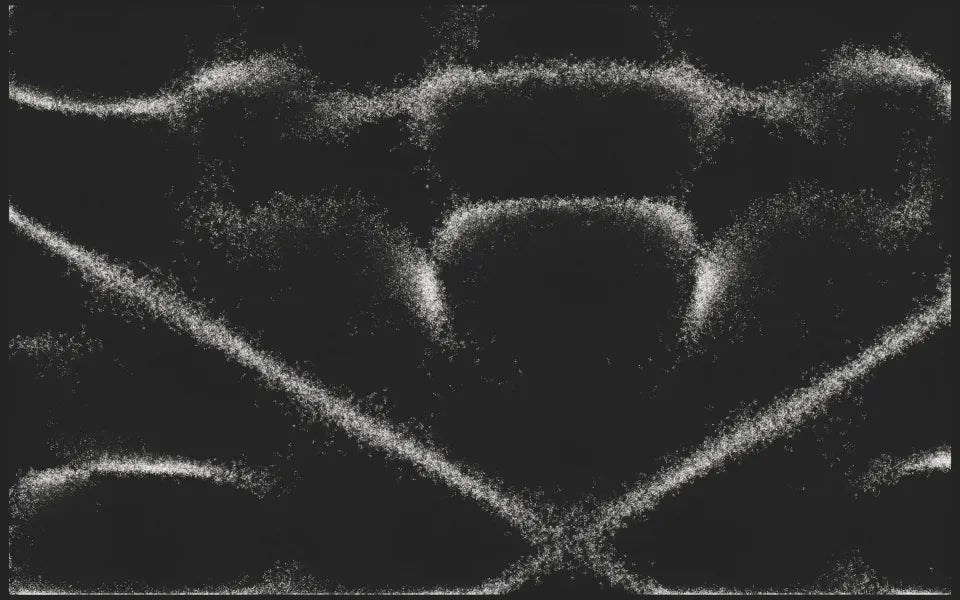
Ernst Chladni's singing plates: every patch is a new plate, and thousands of grains walk to its nodal lines.
-
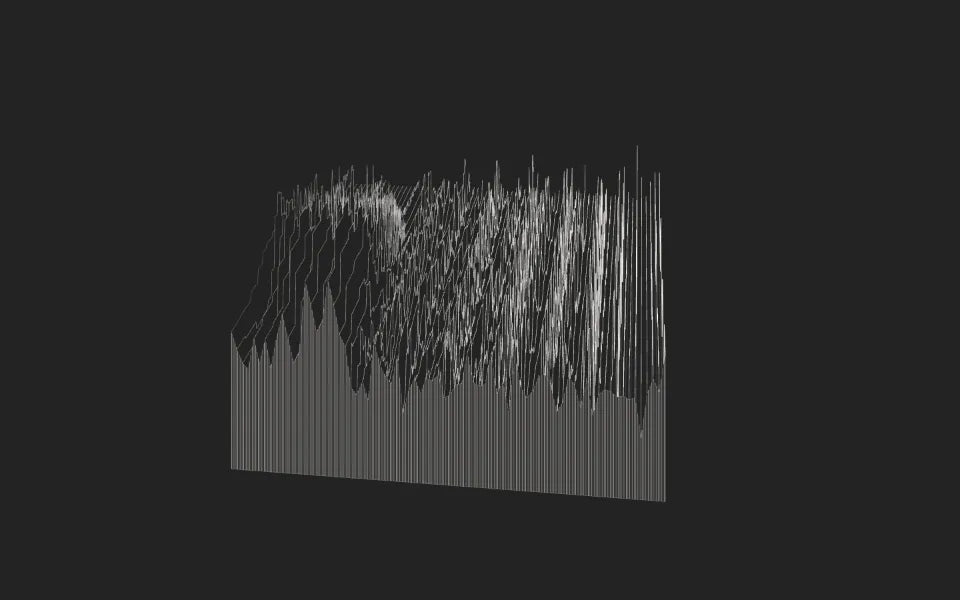
the incoming sound, sliced in time: waveform or spectrum.
-
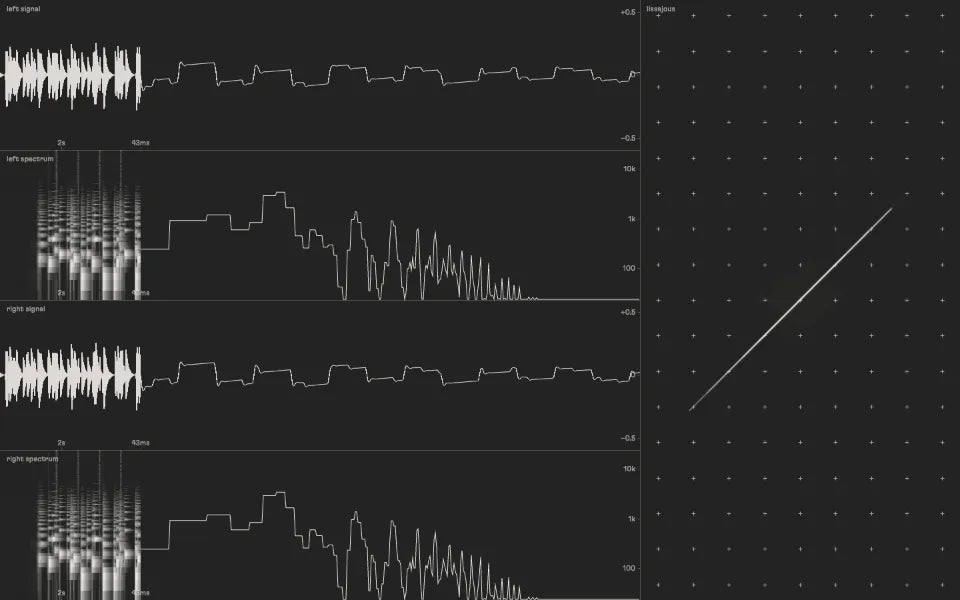
the lab: waveforms, spectrum and stereo field.
-
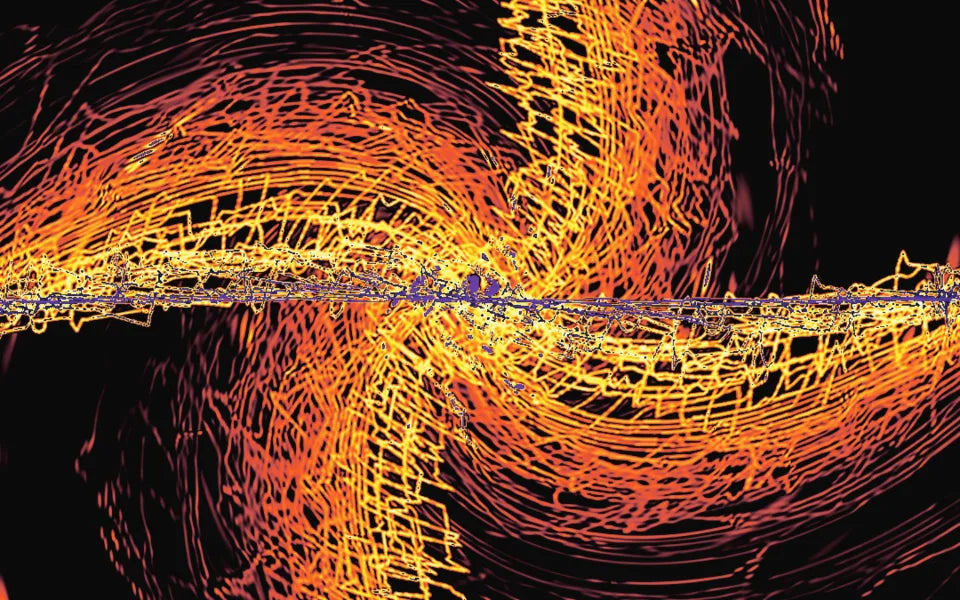
an oscilloscope on acid, after Kevin 'Zaph' Burfitt's 1993 original.
-
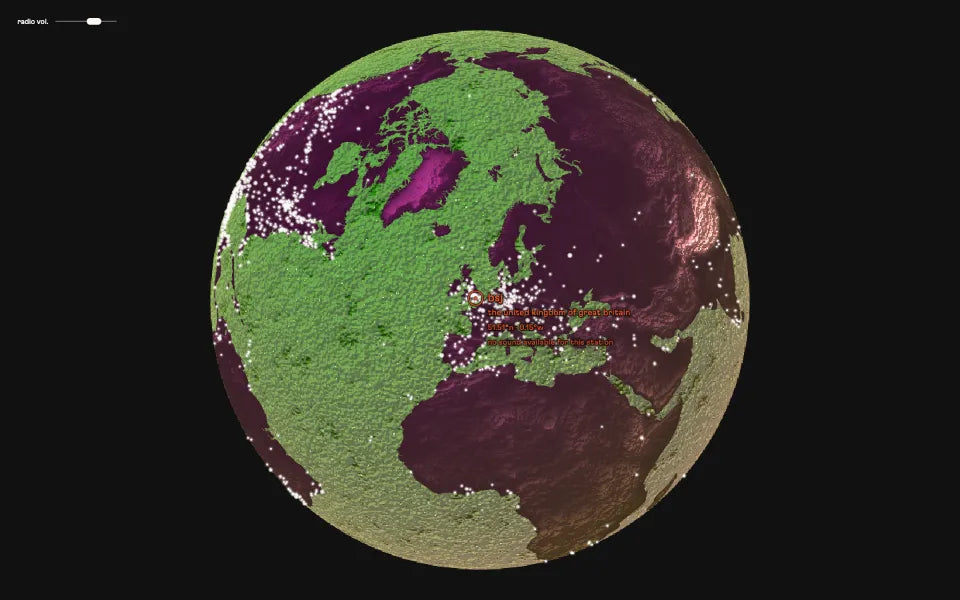
every live radio station on the globe: click a point to tune in. globe relief: NASA Earth Observatory / GEBCO.
the control table
press tab in RND pixels to open it; on a phone or tablet, tap with two fingers.
-
visualize
pick one of the 12 visuals, see what moves it, hear RND synth through your computer.
-
follow
what RND synth is playing, live: the notes of each track and the clock.
-
mix
set the tempo, then the volume and reverb of each track. mute and solo for live performance.
-
lock
choose a patch type, a tonic, a scale, the tracks or the engines: your choice stays on every new patch.
-
save
copy the seed or the name of a patch, load it to play it back.

every patch has a name
RND synth holds 4 294 967 296 sounds. each one has an ID.
- 1press the button: a new patch is born, with its seed and its name.
- 2copy: click the seed or the name. keep it, share it.
- 3load: paste it in the load cell, your patch comes back.
locks travel with the seed: a suffix adds them to the id. change the number of tracks or an engine, and the patch goes off-seed: a one-off that no seed can bring back.
back to random
change any settings in RND pixels, and they’re locked: they stay on every new patch, even after power off.
one gesture erases every lock and sends every parameter back to random, don’t forget it.
in RND pixels
press reset
without RND pixels
hold the button down while powering RND synth on
explore RND pixels
on computer or android: use chrome.
on iphone or ipad: use MIDIWeb browser.